Who unfollowed you on Instagram?
See who unfollowed you and who doesn't follow you back. It's free, and it never asks for your Instagram password.

- No Instagram password
- Sign in with Google
- Delete your snapshots anytime
- Never posts or follows
How it works
Three steps. No files, no scripts, and never your Instagram password.
Install the Chrome extension
Add igcount to Chrome and sign in with Google. It never asks for your Instagram password.
Open Instagram
Open instagram.com in the same Chrome window, logged in to the account you want to track.
Take a snapshot
Click the igcount extension and take a snapshot. Your followers and followings are saved to your igcount dashboard.
What the extension looks like
The extension works in a small popup. Your results appear on your igcount dashboard.
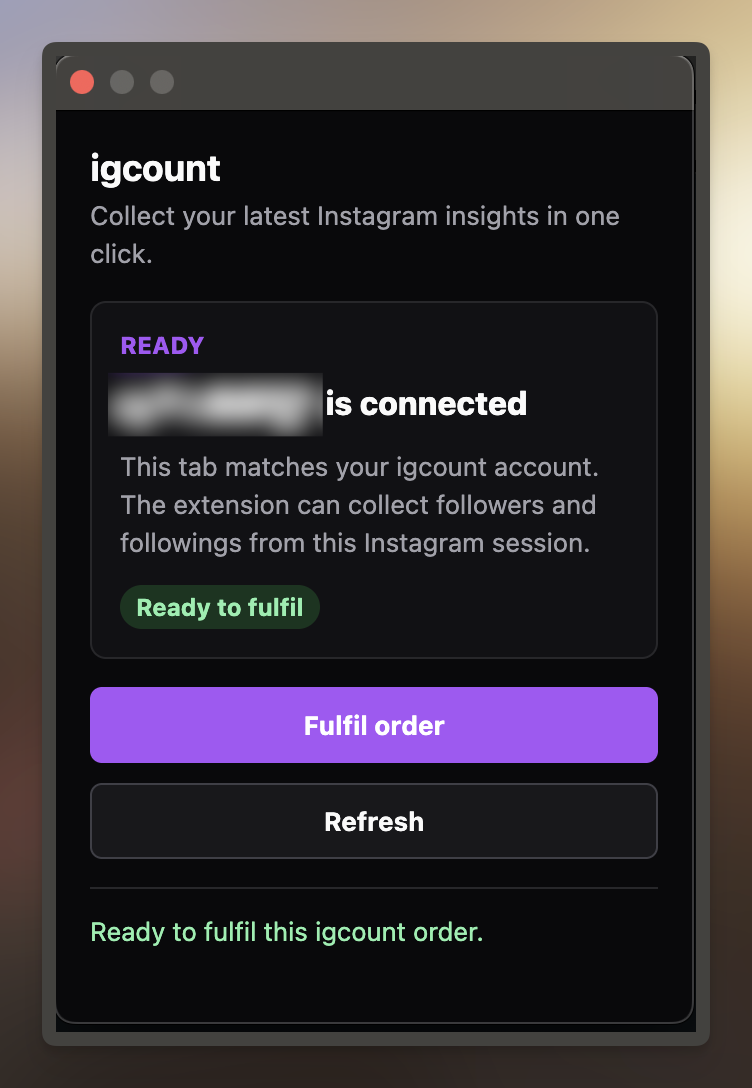
Before it starts, the popup shows which Instagram account it will snapshot.
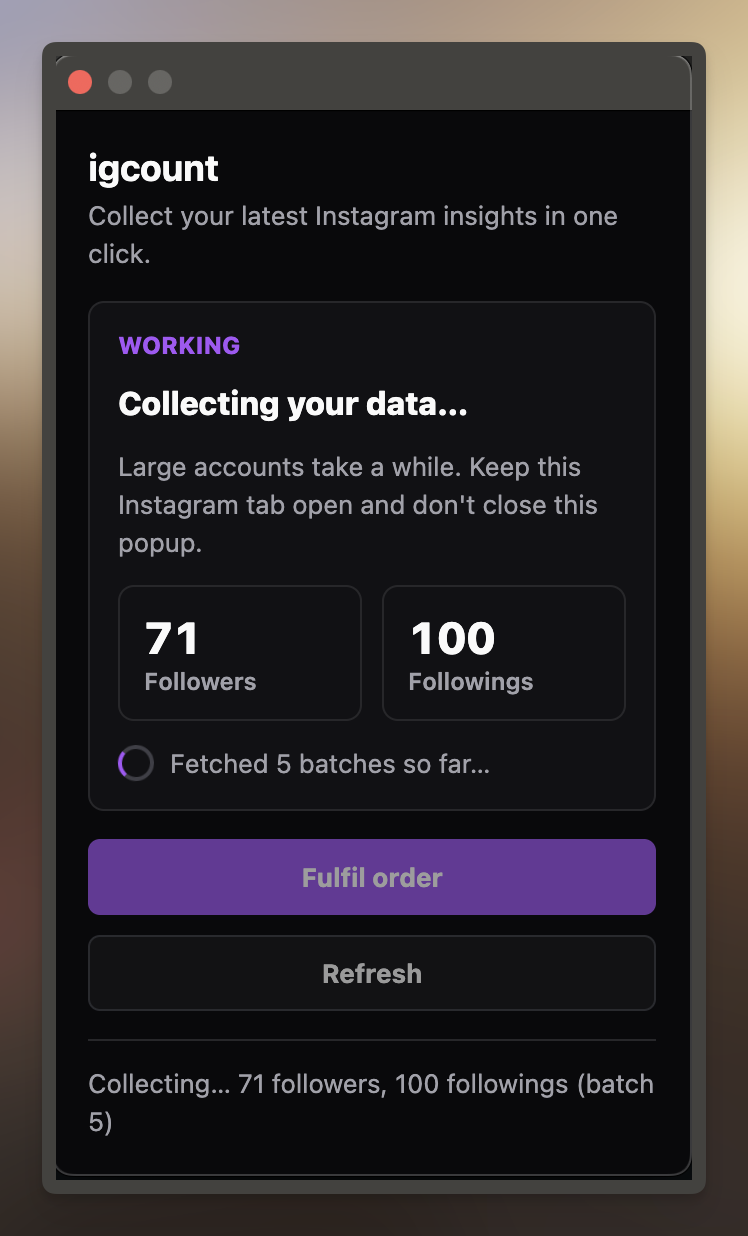
While it runs, the popup shows how many followers and followings it has collected.
What you can see
Read-only, no password
igcount never asks for your Instagram password. It only reads your follower and following lists, and can't post, follow or change anything.

See who doesn't follow back
Instagram shows the accounts you don't follow back. igcount shows the reverse: people you follow who don't follow you.
Track unfollowers over time
Every snapshot is saved, so you can see who unfollowed you, who started following you and how your followers change.
Track more than one account
Add the other Instagram accounts you run and switch between them. Each one keeps its history, even after a username change.
Why igcount?
See who unfollowed you without handing over your Instagram login.
| Comparison | igcount | Other unfollower apps |
|---|---|---|
| Instagram password | Never asked | Often required |
| How you sign in | Google account | Instagram or Facebook login |
| What it can do | Read your lists only | Often full account access |
| Price | Free for now | Often a paid subscription |
Free for now
igcount is free during launch: no credit card and no subscription. Take a new snapshot whenever you like.
Each snapshot includes your followers, your followings and the people who don't follow you back.
Start for freeFrequently asked questions
See who unfollowed you in one click
Install the free Chrome extension, open Instagram and take your first snapshot. No password and no files.
No password, read-only, and free for now